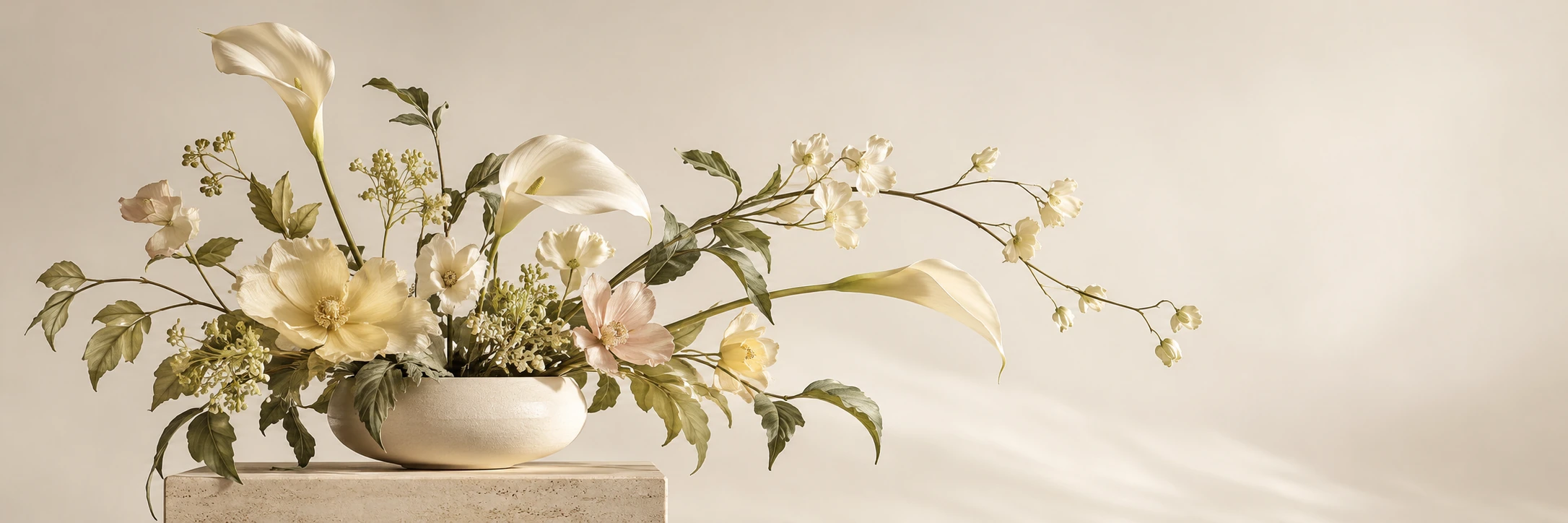

Give every artificial floral arrangement in the hotel FF&E schedule an item ID and a location. Purchasing should be able to see what is included without opening the design deck. If guest rooms and a lobby console use the same arrangement, link both locations to the same reference and enter the quantity for each location.
BDNY’s Designed Spaces program describes displays assembled by hospitality brands, design teams and suppliers. The practical lesson for project documentation is to capture which parts go together. A reference photo shows the design intent. The spec sheet establishes what purchasing should order.
What to put on the line item
- Start with the item ID, room or area and quantity. Use an identifier that also appears on the furniture plan or room schedule.
- State what is included. If the vessel, insert or base ships as part of a set, list it there. If purchasing places separate orders, give the components separate rows and cross-reference them.
- Add the assembled dimensions and vessel footprint in labeled fields with units. Say whether each number comes from the product spec or the approved project sample.
- Record the finish and the reference image or swatch. Add the date or revision so the installer can match the item to the current approved version.
For a real example of why the fields are separate, the MUYU specification for MY-P1-12-0408 lists 51 × 32 × 14 cm overall and 50 × 32 × 5 cm for the wood vessel. A project schedule should keep both sets of dimensions and confirm the vessel’s order status in the inclusions column.
What can purchasing approve as an alternate?
Before releasing the bid package, name the person who can approve an alternate. Write down the characteristics that must stay within the approved design, such as the overall silhouette, vase footprint and finish. Keep the alternate pending until the reviewer has the replacement spec sheet and sample needed to sign off.